November 7, 2026
Quick answer
Rel sponsored is a small label you add to a paid link. It tells Google the link exists because money changed hands.
In code, it looks like this: <a href="https://example.com" rel="sponsored">Example</a>. The value sponsored sits inside the link’s rel attribute.
It changes nothing for the reader. The link still works, and it still takes the reader to the same page.
It changes what Google thinks about the link. A normal link reads as an editorial vote, a recommendation made on merit. A sponsored link reads as advertising, and Google generally does not count it as a ranking vote.
If you run a site and you publish paid links, this attribute is not optional. Google asks for it, and leaving it off can put your site at risk. This post shows you what it means, when to use it, how to add it, and what it means when you are the one paying for a link.
What is rel sponsored?
Rel sponsored is a value in a link’s rel attribute. It marks a link that was created as part of an advertisement, a sponsorship, or another compensation agreement.
Google’s own wording is simple. Use the sponsored attribute to identify links on your site that were created as part of advertisements, sponsorships, or other compensation agreements. That covers display ads, paid placements, advertorials, sponsored reviews, and affiliate links.
The attribute lives on the link itself, inside the <a> tag. Here is a paid link with the label in place: <a href="https://example.com" rel="sponsored">Visit Example</a>. And here is the same link without it: <a href="https://example.com">Visit Example</a>.
The two links look identical on the page. Only the code is different.
That difference matters because search engines read code, not intentions. Without the label, Google has to guess whether a link is a genuine recommendation or a paid placement. With the label, there is nothing to guess.
A sponsored link is not a broken link, and it is not a hidden link. It is a normal working link with an honest label attached. The label protects both sides: the site that publishes the link, and the site that pays for it.
Our first post explains what backlinks are and how they work. Our guide to dofollow links covers the normal link that sponsored is measured against.
Where rel sponsored came from
Google introduced rel sponsored on September 10, 2019. It arrived together with a second new value, rel ugc, and a big change to the oldest value, rel nofollow.
Before that date, Google had only one tool for marking a link: nofollow, introduced in 2005 to fight comment spam. Publishers used nofollow for everything they did not want to vouch for, including paid links and comment links.
One label for three different situations was too blunt. Google wanted more detail, so it split the single label into three.
Sponsored covers paid links. UGC covers links your visitors add, in comments and forum posts. Nofollow stays as the general fallback for anything else you do not want to endorse.
The same announcement changed how Google reads all three values. Before 2019, nofollow was a strict instruction. Google would not count a nofollow link as a signal at all.
Since September 2019, all three values are hints for ranking. Google treats them as hints about which links to consider or exclude within search. Since March 1, 2020, nofollow is also a hint for crawling and indexing.
Google explains the change in its 2019 announcement on evolving nofollow. Its current guidance lives in the qualify your outbound links documentation.
Why the hint change matters for sponsored links
A sponsored link is generally not followed or counted for ranking. That is the practical effect, and it has not changed. What changed is the word “generally.”
As hints, these values tell Google what you intended. Google can still use the information in limited ways, and it can still crawl the linked page. The label is a strong signal, not a wall.
Sponsored vs nofollow vs ugc vs dofollow
Four values decide how Google reads a link. Only one of them is dofollow, and it is the absence of the other three.
| Link type | HTML | What it tells Google |
| Dofollow (followed) | <a href="https://example.com">Example</a> | A normal editorial link. Crawl it, read it, and count it as a reference. |
| Sponsored | <a href="https://example.com" rel="sponsored">Example</a> | This link exists because of an ad, sponsorship, or other payment. |
| Nofollow | <a href="https://example.com" rel="nofollow">Example</a> | Do not treat this as an endorsement. Do not pass ranking credit in the normal way. |
| UGC | <a href="https://example.com" rel="ugc">Example</a> | A user added this link, in a comment or forum post. The publisher did not place it. |
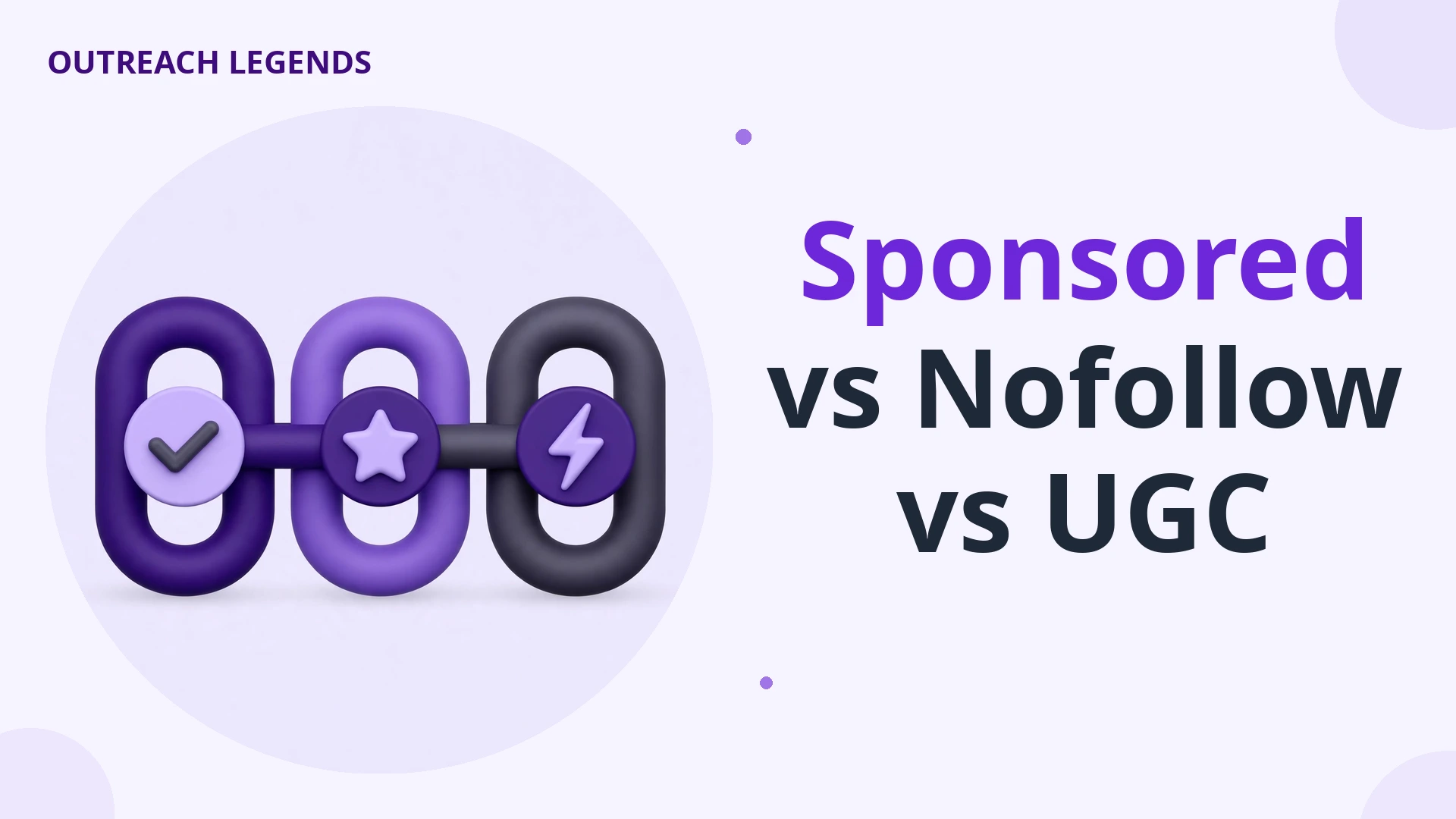
The table looks neat, but the real question is which label fits your link. The answer comes from how the link came to exist, not from what you want it to do.
If money, free products, or any other compensation played a part, the answer is sponsored. If a visitor wrote the link, the answer is ugc. If neither applies and you still do not want to vouch for the destination, the answer is nofollow.
An ordinary editorial link needs no value at all. You chose the destination because it is useful, and nobody paid you or asked you to place it. That is the default, and it is the only link that reads as a full recommendation.
Can you combine values?
Yes. Google accepts more than one value in the same rel attribute, separated by a space. The most common combination is rel="sponsored nofollow".
Use a combination when two descriptions both fit. A paid link inside a user comment is both sponsored and ugc, so rel="sponsored ugc" describes it honestly.
When to use rel sponsored
Use rel sponsored whenever a link exists because of payment or another commercial arrangement. The test is simple: would this link be on the page if nobody had paid for it? If the answer is no, mark it sponsored.
Here are the five situations where the label belongs.
1. Affiliate links
An affiliate link earns you a commission when a reader buys through it. That commission is compensation, so the link is sponsored. Google’s own example markup for an affiliate link uses rel sponsored.
This is the most common use of the attribute. A product review, a “best tools” list, or a resource page full of affiliate links should mark every affiliate link as sponsored.
The review can still be honest. The label only says a commission is involved.
2. Paid placements and guest posts you were paid to publish
A brand pays you to publish an article with a link to their site. That link is sponsored. It does not matter whether the article is good, or whether you would have linked to the brand anyway.
The payment is what decides it. If the link would not exist without the deal, the label belongs on it. This applies to sponsored articles, advertorials, and paid product mentions inside otherwise normal content.
3. Sponsored reviews
A company sends you a free product and you review it with a link to their store. The free product is compensation, so the link is sponsored. The same applies when a review is paid for in cash, a discount, or a free service.
4. Display ads and paid banners
Links inside ad units are sponsored by definition. Most ad networks add the label automatically, so you rarely need to do this by hand. Check anyway, especially if you place ad code yourself or sell banner space directly.
5. Links bought as part of a sponsorship deal
A brand sponsors your podcast, your newsletter, or your event, and your site links to them in return. That link is sponsored. The sponsorship is the payment, even if no cash changed hands for the link itself.
When NOT to use rel sponsored
Do not use sponsored on links nobody paid for. The attribute describes a commercial relationship, and adding it where none exists misleads Google about your own content.
An editorial link to a source you cite needs no label. A link to a tool you genuinely recommend, with no affiliate deal behind it, needs no label. A link to a friend’s site, placed because you like their work, needs no label.
Do not mark all your outbound links as sponsored to be safe. That is the opposite of safe. It tells Google none of your recommendations are real, and it weakens the editorial links that should carry weight.
The same caution applies to internal links. A link from one page on your site to another page on your site is never sponsored.
You are not paying yourself. Leave internal links clean.
How to add rel sponsored to a link
Adding the attribute takes seconds. The exact steps depend on how you edit your site.
In HTML
Add rel="sponsored" inside the opening <a> tag, after the web address. A normal link becomes a sponsored link like this:
<a href="https://example.com" rel="sponsored">Example</a>
That is all there is to it. No other change is needed, and the visible link stays exactly the same.
In WordPress (block editor)
WordPress does not add a sponsored option to its normal link box, so you add the value by hand. Open the post in the editor, click the link, and open the link settings.
Choose the option to edit the link as HTML, or switch the block to HTML editing. Add rel="sponsored" to the <a> tag, then switch back to the visual editor.
In WordPress (classic editor)
Click the link, then open the link editor. Look for the link relationship field, sometimes labelled “Rel”.
Type sponsored into that field and save. The editor adds the attribute to the code for you.
For a whole site with many affiliate links
If your site has hundreds of affiliate links, editing each one by hand is slow. Two faster routes exist.
A link management plugin can add the attribute to every link that points to an affiliate domain. Or a developer can add a small rule that applies the attribute automatically to links matching your affiliate domains.
Check the result after any bulk change. Open a few links and confirm the attribute is there, and only there. A bulk rule that marks your editorial links as sponsored would do more harm than good.
How to check if a link is sponsored
You can check any link in about ten seconds, straight from your browser. No tool or account is needed.
Right-click the link and choose Inspect. Your browser opens the page code with the link highlighted. Look at the <a> tag.
If you see rel="sponsored", the link is marked as paid. If you see no rel value at all, the link is a normal dofollow link.
Our post on how to check competitor backlinks shows the same Inspect method in full, plus how to check a whole backlink profile with a tool.
For a whole page, use your browser’s Find function in the code view. Search for rel="sponsored" to see every marked link on the page at once. This is the fastest way to audit a publisher’s site before you buy a placement, and the next section shows you how.
Does a sponsored link pass SEO value?
A sponsored link generally does not pass ranking value. Google says links marked with these attributes will generally not be followed or counted for ranking. That “generally” is doing real work, because the values are hints, not commands.
Here is what that means in practice. A sponsored link can still send visitors, and it can still help Google discover a new page.
It can still appear in a backlink tool’s report of your profile. What it will generally not do is pass the ranking credit that a clean editorial link passes.
This is why the attribute matters so much to link buyers. Two placements can look identical on the page: same article, same anchor text, same position.
One is dofollow, and it can help your rankings. One is sponsored, and it generally cannot.
The price should reflect that difference. A sponsored placement is still worth paying for when the goal is traffic, brand exposure, or referral visitors. It is the wrong purchase when the goal is ranking value, and you are paying a dofollow price for it.
Our post on the benefits of backlinks covers what a clean editorial link does for your site, and why that value is worth protecting.
Buying a guest post? Ask this first: sponsored or dofollow?
This is the question almost no sponsored-link guide asks, and it is the one that matters most to our readers. If you buy guest posts or link insertions, the link attribute decides what your money actually buys.
Most guides are written for publishers. They explain how to mark a paid link, and they stop there. But if you are the buyer, you are on the other side of the same deal, and the same attribute changes what you receive.
Ask before you pay
Before you agree a price, ask the publisher one direct question: will the link be dofollow, or will it carry rel sponsored or rel nofollow? Get the answer in writing, in the same thread where you agree the price.
A publisher who plans to mark your link as sponsored is not doing anything wrong. Many good publishers mark every paid link as sponsored, because that is what Google asks them to do. The problem is only when you pay a dofollow price and receive a sponsored link without knowing.
If the answer is sponsored, decide with open eyes. Sponsored placements still bring readers, and a link from a strong site can send real traffic. Just do not pay a premium ranking price for a link that will generally not pass ranking value.

Check the live link after publishing
Asking is step one. Checking is step two. When the article goes live, open it and inspect your link with the method above.
Confirm the rel value matches what you agreed.
Publishers sometimes change their policy after the sale, or a site update resets the link settings. A quick check takes ten seconds, and it catches the mistake while the deal is still fresh.
If the live link is sponsored and you agreed dofollow, go back to the publisher politely. Show them the code, remind them what was agreed, and ask them to fix it. Most publishers fix an honest mistake fast.
Audit a publisher before you buy
You can also check a publisher’s habits before you spend anything. Open a recent sponsored-looking article on their site, one that clearly promotes a product or brand. Inspect its outbound links.
If every paid link on that site carries rel sponsored, that publisher follows Google’s rules. Expect your link to be marked the same way, and price your offer accordingly.
Our guest posts and link insertions services handle this check for every placement, so the link type is agreed before any money moves.
What happens if you forget to mark a paid link?
Google’s spam policies are clear on this point. Buying and selling links is a normal part of the web’s advertising economy, and it is not a violation as long as paid links carry the right attribute. The violation is the unmarked paid link, not the payment.
An unmarked paid link is link spam in Google’s eyes. It is a link created to pass ranking credit that was bought, not earned. A site with many unmarked paid links can receive a manual action, which can push its pages down in search results or remove them from Google’s index entirely.
If you find old paid links on your own site with no attribute, fix them. Work through your old sponsored articles and affiliate content, add rel sponsored where payment was involved, and move on. Google treats a fixed problem better than an ignored one.
Rel sponsored is not an FTC disclosure
This is the most common confusion in this whole topic, so it deserves its own section. Rel sponsored and an FTC disclosure are two separate obligations, and one does not replace the other.
Rel sponsored is a machine-readable signal for search engines. It tells Google a link is paid. Readers never see it, because it lives in the code.
An FTC disclosure is a visible note for readers. It tells people the content is paid for, or that you earn a commission. Readers must be able to see it, usually near the top of the article, in plain words.
You need both. Mark the link with rel sponsored for Google, and add a visible disclosure for your readers. Doing one and skipping the other leaves half the job undone.
The rules also differ by country. The FTC covers the United States.
Other countries have their own regulators and their own disclosure rules. If your audience is international, check the rules where your readers live, not only where you live.
Common mistakes with rel sponsored
Most sponsored-link mistakes come from rushing, not from bad intent. Here are the five we see most often.
1. Marking every outbound link as sponsored
Some site owners panic and mark all external links as sponsored. That tells Google none of your recommendations are genuine, and it weakens your good editorial links. Mark only the links that are actually paid for.
2. Forgetting affiliate links in old posts
A site grows, and old posts get forgotten. Affiliate links from two years ago are still paid links, and they still need the label. Audit your old content once a year, and fix what you find.
3. Relying on a text disclosure alone
Writing “this is a sponsored post” at the top of the article is good practice, and your readers need it. But it is not a substitute for rel sponsored in the code.
4. Hiding the label and hoping Google will not notice
Some publishers leave paid links unmarked and hope Google never checks. Google’s spam team does check, and its systems detect unnatural link patterns at scale. The short-term gain is not worth the manual action risk.
5. Paying a dofollow price for a sponsored link
This is the buyer-side mistake, and it is the most expensive one on this list. Agree the link type in writing before you pay.
Check the live link after publishing. A placement that cannot pass ranking value should never carry a ranking-value price.
FAQs
Is rel sponsored the same as rel nofollow?
No, but they are related. Sponsored marks a link that exists because of payment.
Nofollow is the general fallback for a link you do not want to endorse. Google prefers sponsored for paid links, but it still accepts nofollow on them.
Do sponsored links hurt my SEO?
A sponsored link on your site does not hurt your SEO, because the label tells Google not to count it as an endorsement. What hurts is an unmarked paid link, which Google can read as link spam. Marking paid links correctly protects your site, it does not damage it.
Can a sponsored link still bring traffic?
Yes. The attribute does not stop readers from clicking, and it does not hide the link.
A sponsored link on a popular site can send real visitors every day. Traffic and ranking value are two different things, and a sponsored link can deliver the first without delivering the second.
Should affiliate links use rel sponsored or rel nofollow?
Google prefers sponsored for affiliate links, and its own example markup uses sponsored. Nofollow is still accepted, so an old affiliate link marked nofollow is not wrong.
For new affiliate links, use sponsored. It says exactly what the link is.
Can I combine rel sponsored with other values?
Yes. Values are separated by a space, so rel="sponsored nofollow" is valid.
Combine values only when both descriptions are true. A paid link in a user comment can carry sponsored and ugc together, because both facts describe it.
How do I find sponsored links on my own site?
Open your pages and inspect the outbound links, or use a backlink tool’s outbound link report to list them. Look for links to brands, products, and advertisers, then check whether each one carries the right attribute.
The short version
Rel sponsored is a small label with a big job. It tells Google a link was paid for, and it keeps a normal advertising deal inside Google’s rules.
If you publish paid links, mark them. If you buy links, ask how they will be marked before you pay. One attribute, used honestly on both sides, keeps everyone safe.
If you want placements where the link type is agreed in writing before you spend anything, contact us. We check every publisher, confirm every link, and only place your links where the deal is clear.
Looking for Quality Backlinks?
Let Outreach Legends help you find relevant websites and manage your link-building outreach from start to finish.